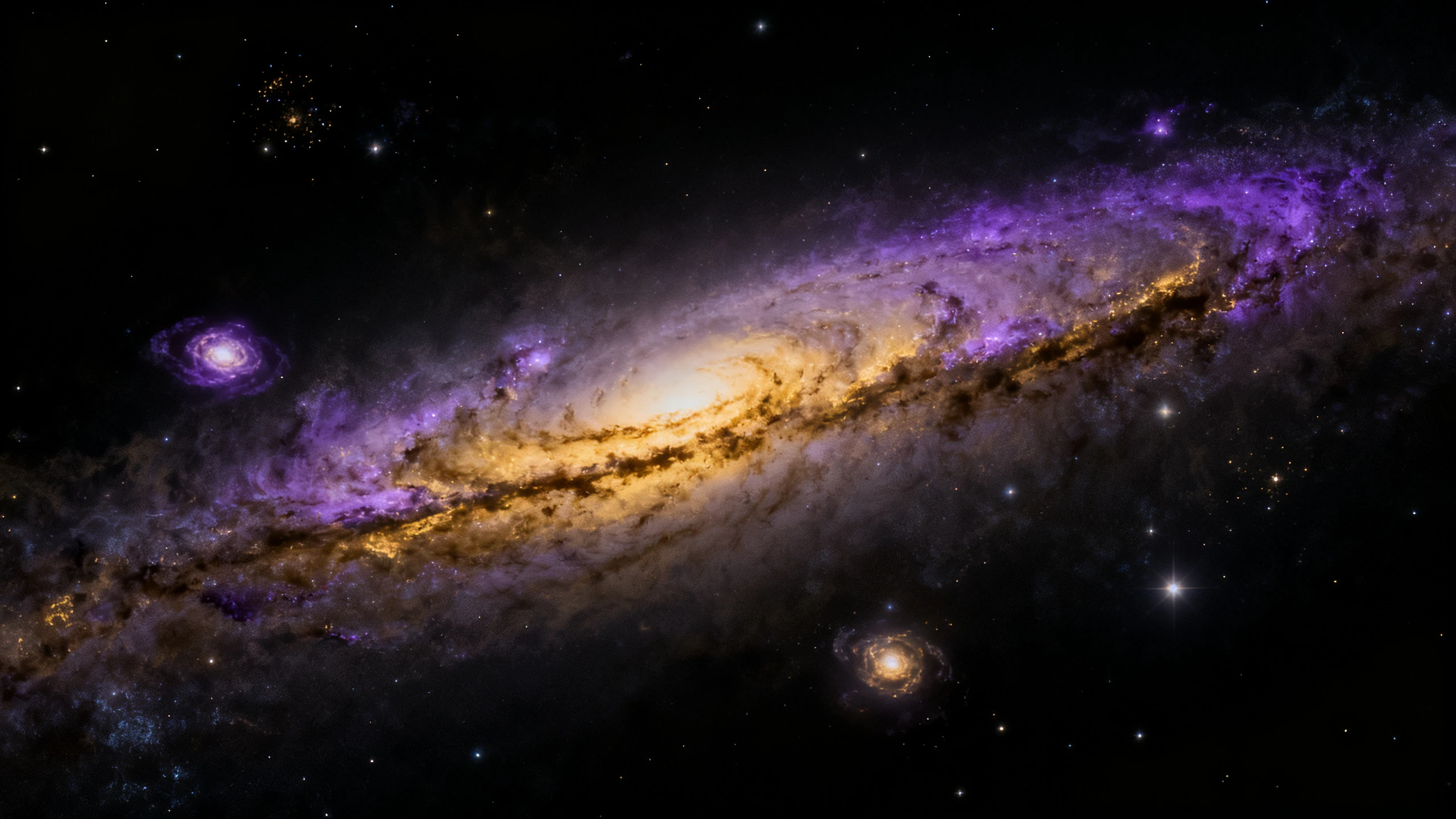
ByteDance · Image models
Seedream 4
ByteDance Seedream 4 is the image model Scenema reaches for when a shot needs several candidate keyframes in one pass.
200 credits on signup, then weekly refills through your first month. No credit card required.
Seedream 4 on Scenema
Seedream 4 is ByteDance’s image model, built as a single architecture that handles text-to-image, image-to-image editing, and multi-reference composition. Scenema hosts Seedream 4 for both keyframe generation and reference image generation inside a project. The distinguishing behaviour on Scenema is batch generation. A single prompt returns up to four candidate images at once, with character identity, product appearance, and lighting held consistent across the batch. That output pattern fits the moment in a Scenema project where an operator needs several framing options for the same shot before choosing the one that goes into video. Scenema exposes Seedream 4 at up to 1080p in 16:9, 9:16, and 1:1.
Specifications
Seedream 4 specifications on Scenema
- Supports
- Text to image, Image to image
- Resolution
- Up to 1080p
- Aspect ratios
- 16:9, 9:16, and 1:1
- Quality tier
- High
- Notes
- Batch generation returns up to four candidate images per prompt.
Distinctive
What makes Seedream 4 distinctive
Seedream 4 returns up to four candidate images per prompt on Scenema.
ByteDance’s model was built for batch generation, and Scenema exposes that behaviour directly. An operator writes one prompt and picks the strongest of the four for the shot.
Seedream 4 holds identity across the whole batch.
Character face, wardrobe, product appearance, and lighting stay consistent across all images in a single batch. That is what makes the batch useful for choosing between framings of the same scene rather than four different scenes.
Seedream 4 acts as a keyframe generator and a reference image generator on Scenema.
Both roles run through the same model. An operator can use it to lock a character reference into the entity manifest, then use the same model to render the shots that character appears in.
Seedream 4 unifies generation and editing in one model.
Text-to-image and image-to-image live in the same architecture, so iterating on a shot with a locked reference does not require switching pipelines.
Use cases
Use cases for Seedream 4
Seedream 4 renders four framing candidates for a single shot.
Batch mode returns the same scene from several angles or lighting variants in one pass, which shortens the loop between prompt and locked keyframe.
Seedream 4 produces character sheets in a single generation.
The batch output naturally forms a small character sheet, useful when Scenema needs several reference plates for the entity manifest at once.
Seedream 4 anchors a keyframe that needs strong product identity.
The model holds product appearance across variations, so brand and wardrobe assets survive from reference plate into keyframe into video.
Seedream 4 revises a locked keyframe with an image-to-image pass.
Editing a background, swapping lighting, or changing a garment happens in the same model that generated the plate.
Compare
How Seedream 4 compares to other image models
See where Seedream 4 slots in the lineup on the axes that matter most.
| Model | Best for | Max resolution | Inputs | Quality tier |
|---|---|---|---|---|
| Nano Banana 2 | Google Nano Banana 2 is the default image model behind every Scenema keyframe and reference image. | Up to 1080p | Text to image, Image to image | High |
| Seedream 4 | ByteDance Seedream 4 is the image model Scenema reaches for when a shot needs several candidate keyframes in one pass. | Up to 1080p | Text to image, Image to image | High |
| GPT Image 2 | OpenAI GPT Image 2 is the image model Scenema uses when a shot needs strict prompt adherence and precise on-screen text. | Up to 1080p | Text to image, Image to image | High |
| Flux 2 Klein 9B | Black Forest Labs Flux 2 Klein 9B is the fast, distilled image model Scenema uses for high-volume keyframe and reference passes. | Up to 1080p | Text to image, Image to image | Standard |
| Z-Image Turbo | Alibaba Tongyi Z-Image Turbo is the fast text-to-image model Scenema uses for reference image generation only. | Up to 1080p | Text to image | Standard |
Where it fits
Where Scenema uses Seedream 4
Scenema runs a highly optimized workflow and uses the best model for the style and for each task under the hood. You choose the quality and the resolution. Here is where Seedream 4 fits and where a different model does.
- 1
Scenema uses Seedream 4 when you want options before committing to a keyframe.
Seedream 4 returns 4 candidate images per prompt and holds identity across all four. That is the fastest way to explore framing, lighting, and pose for the same beat without regenerating and hoping the character stays on model.
- 2
Scenema uses Seedream 4 when you are editing an existing keyframe.
Seedream 4 uses a unified architecture for text-to-image and image editing, so the edited version stays visually consistent with the source plate. Swap a wardrobe detail, change the background, or reframe the composition, and the identity carries over.
- 3
Scenema uses Seedream 4 when you need a full look board from one prompt.
Because all four batch outputs share the same identity, the set works as a look board for a scene. Pick the strongest frame as the keyframe and keep the others as reference plates for adjacent shots.
- 4
Scenema uses a different model when the shot needs 5 characters in frame at once.
Seedream 4 holds identity well inside a batch, but Nano Banana 2 supports up to 5 consistent characters and 14 reference objects in a single generation. That is the model to reach for on ensemble scenes.
- 5
Scenema uses a different model when you only need one fast reference plate.
Seedream 4 spends generation time on four images. If you just want a quick first-pass reference of a character or object, Z-Image Turbo returns a single image in under a second.
FAQ
Frequently asked questions about Seedream 4
How does Scenema use Seedream 4 inside a project?+
Scenema uses Seedream 4 for both keyframe generation and reference image generation, with batch mode exposed so a single prompt returns up to four candidate images. The operator picks the strongest candidate and it becomes the still that seeds video generation, or the plate saved to the entity manifest.
What is Seedream 4’s batch generation on Scenema?+
A single prompt returns up to four images at once, with character, product, and lighting held consistent across the batch. That is the distinguishing Seedream 4 behaviour Scenema exposes.
What resolutions and aspect ratios does Scenema expose for Seedream 4?+
Up to 1080p, in 16:9, 9:16, and 1:1.
Does Seedream 4 support image-to-image on Scenema?+
Yes. Text-to-image and image-to-image both run through the same Seedream 4 model.
Who built Seedream 4?+
ByteDance’s Seed team. Seedream 4.0 is the current public release of the ByteDance Seedream image generation series.
Related
Other image models on Scenema

Nano Banana 2
Google- Google’s Gemini 3.1 Flash Image model.
- Up to 5 consistent characters and 14 reference objects per generation.
- Default keyframe and reference image generator on Scenema.
GPT Image 2
OpenAI- OpenAI’s image model with a reasoning pass before rendering.
- Roughly 99% in-frame text accuracy across Latin, Japanese, Korean, Hindi, Bengali, and Arabic.
- Keyframe and reference image generator on Scenema.
Flux 2 Klein 9B
Black Forest Labs- Black Forest Labs’ distilled 9-billion-parameter Flux 2 variant.
- Renders a full image in about 4 inference steps.
- High-throughput keyframe and reference image generator on Scenema.
Z-Image Turbo
Alibaba Tongyi- Alibaba Tongyi Lab’s 6-billion-parameter distilled text-to-image model.
- Sub-second inference, text-to-image only, roughly 8-step photorealism.
- Reference image generator on Scenema, not used for keyframes.
Start generating with Seedream 4 in Scenema
Seedream 4 is available on the Scenema free tier. Sign up and start your first explainer. Scenema uses it wherever it fits the style and the shot.
200 credits on signup, then weekly refills through your first month. No credit card required.